
Voice Cleaner (keep music)
This option removes background noise and hum, improves speech clarity, without affecting background music.
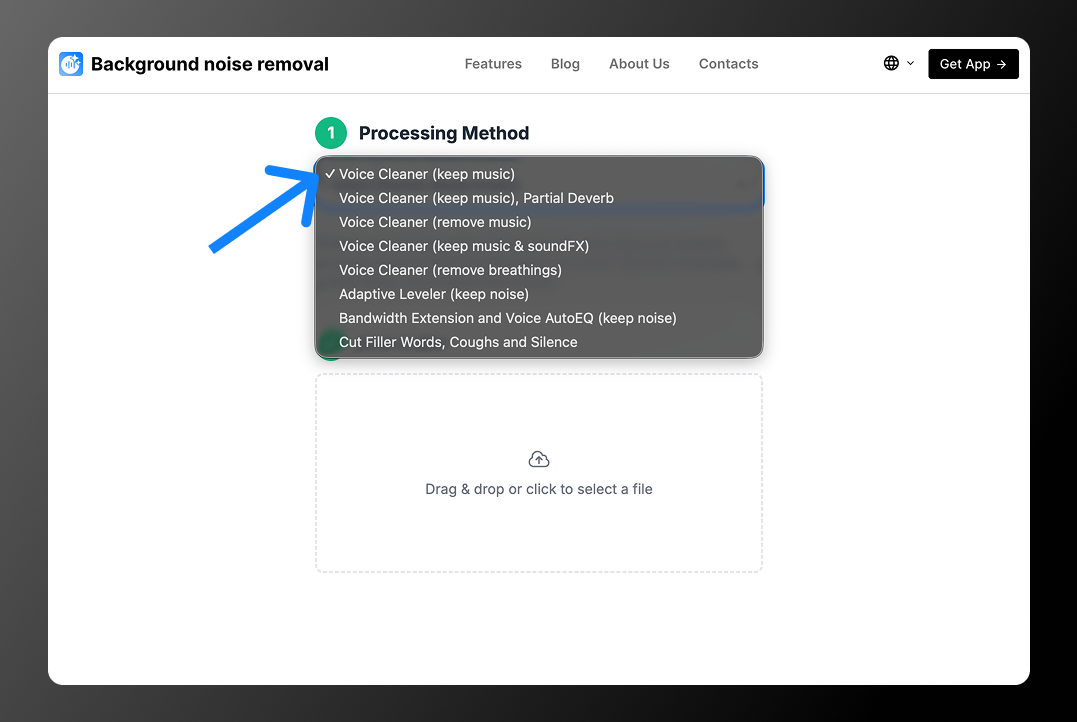
Mode comparison
To choose the right mode, check the table below. It shows which features are available in each option:
| Mode | Removes noise | Music preserved | SFX preserved | Removes echo | Levels volume | Removes breaths / pauses |
| Voice Cleaner (keep music) | ✅ | ✅ | ❌ | ❌ | ❌ | ❌ |
| Voice Cleaner (keep music), Partial Deverb | ✅ | ✅ | ❌ | ✅ | ❌ | ❌ |
| Voice Cleaner (remove music) | ✅ | ❌ | ❌ | ❌ | ❌ | ❌ |
| Voice Cleaner (keep music & soundFX) | ✅ | ✅ | ✅ | ❌ | ❌ | ❌ |
| Voice Cleaner (remove breathings) | ❌ | ✅ | ✅ | ❌ | ❌ | ✅ |
| Adaptive Leveler (keep noise) | ❌ | ✅ | ✅ | ❌ | ✅ | ❌ |
| Bandwidth Extension + Voice AutoEQ (keep noise) | ❌ | ✅ | ✅ | ❌ | ❌ | ❌ |
| Cut Filler Words, Coughs and Silence | ❌ | ✅ | ✅ | ❌ | ❌ | ✅ |
When should you use Voice Cleaner (keep music)?
This option works best when:
- you need to remove strong background noise
- you want to remove microphone background noise
- you need to keep background music
What is this feature used for?
This option is great for:
- podcasts / podcasts with jingles
- interviews
- videos with background music
- Reels and TikTok videos with voice over a track
- online courses with background music